🧱 Basic Setup
After importing the Arc Examine System, you will find a folder in your project tab under the Assets folder.
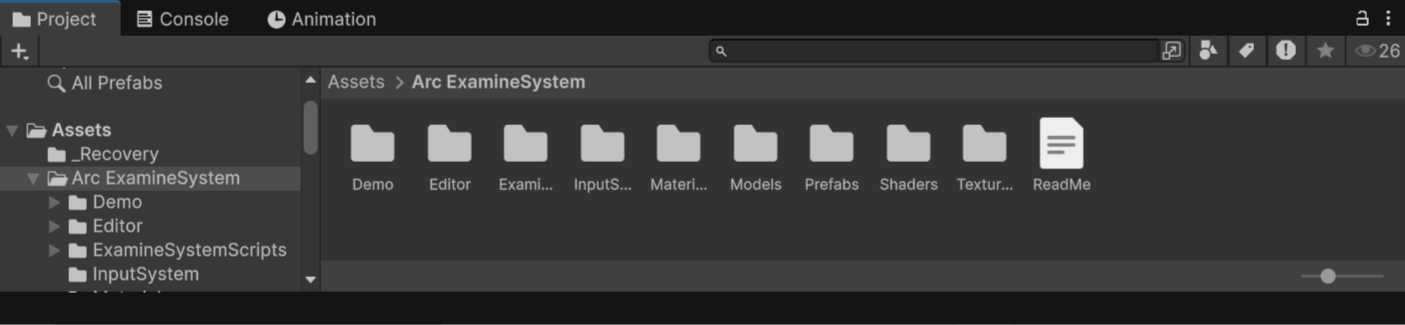
In the Arc Examine System folder, you will be able to find Demo, scripts, and prefabs, etc.
Go into the prefabs folder, and you will find the following prefabs:
- ExamineManager
- ExamineManager-UI
Drag them into your scene to start your setup.
Also add a Event System in scene to avoid further complications.
note
And there should be a layer named Examinable, it is added when you click on SETUP on wizard that shows on importing.
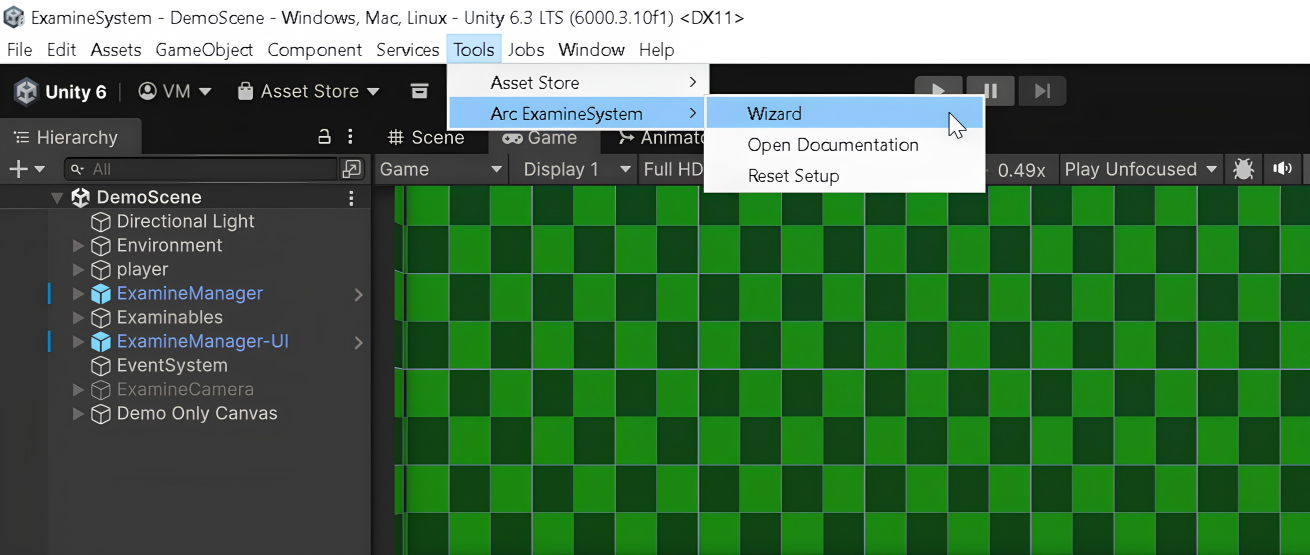
If Examinable layer got deleted, look on top, you will find a tab named Tools, and after clicking on it, you will see Arc Examine System in that you will find Wizard.
A small window will open. Click on Setup, and the layer will be added.
Packages
- Import 2D Sprite package from Package Manager.